Learning with Digital Technology


At Sandspit Road School, digital tools enhance everyday learning—helping students research, collaborate, and receive real-time feedback alongside hands-on, traditional learning.

A Google & Chromebook School

We use Google Workspace for Education paired exclusively with Chromebooks.

  • Why Google Workspace? Students create, collaborate on shared tasks, and receive prompt feedback from teachers directly on their work.
  • Why Chromebooks Only? They are fast, secure, affordable, and built specifically for Google Workspace. Using one standard device keeps learning simple and equitable for everyone.
Technology Across Year Levels
  • Junior School (Years 1–3): Shared classroom devices are used purposefully under close teacher guidance to support foundational literacy and numeracy.
  • Senior School (Years 4–8): Students use Chromebooks daily (via our BYOD guidelines) for research, writing, and project work.
Digital Citizenship & Safety

Keeping our tamariki safe online is our top priority. Supported by N4L web filtering and Netsafe guidelines, we teach students how to:

  • Be respectful, responsible, and positive online.
  • Keep personal information and passwords private.
  • Maintain a healthy balance between screen time and off-screen learning.

All families sign a Digital User Agreement at the start of the year to ensure clear safety expectations.


Supporters and Sponsors

Parents, please support our local businesses
OfficeMax
QR code for downloading the app

Scan this code to download the app

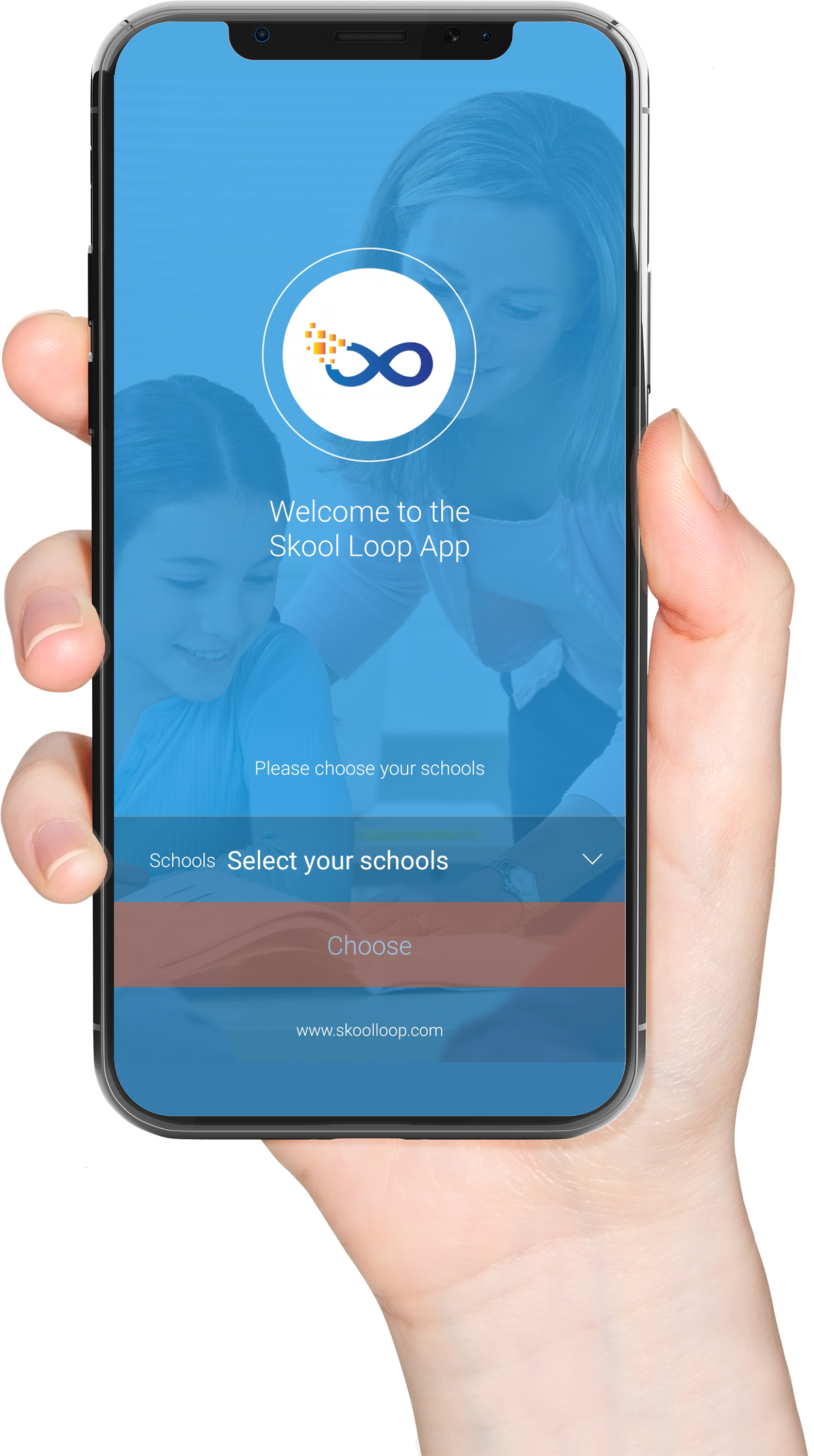
Get the Skool Loop - School App

Download our Skool Loop App, a simple and free download. In Google Play & App Store search ‘Skool Loop’ and choose our school once installed.


Download on the App Store Get it on Google Play
Hand holding phone

Add a comment

Login to Sandspit Road School